Catalogue · Ref. 03 / 08
1Home System Manager: supervising and administering installations
The System Manager does not address the occupant but the professional running several installations: it gives an overview, allows intervention without travelling, and turns a scattered installed base into something operable.
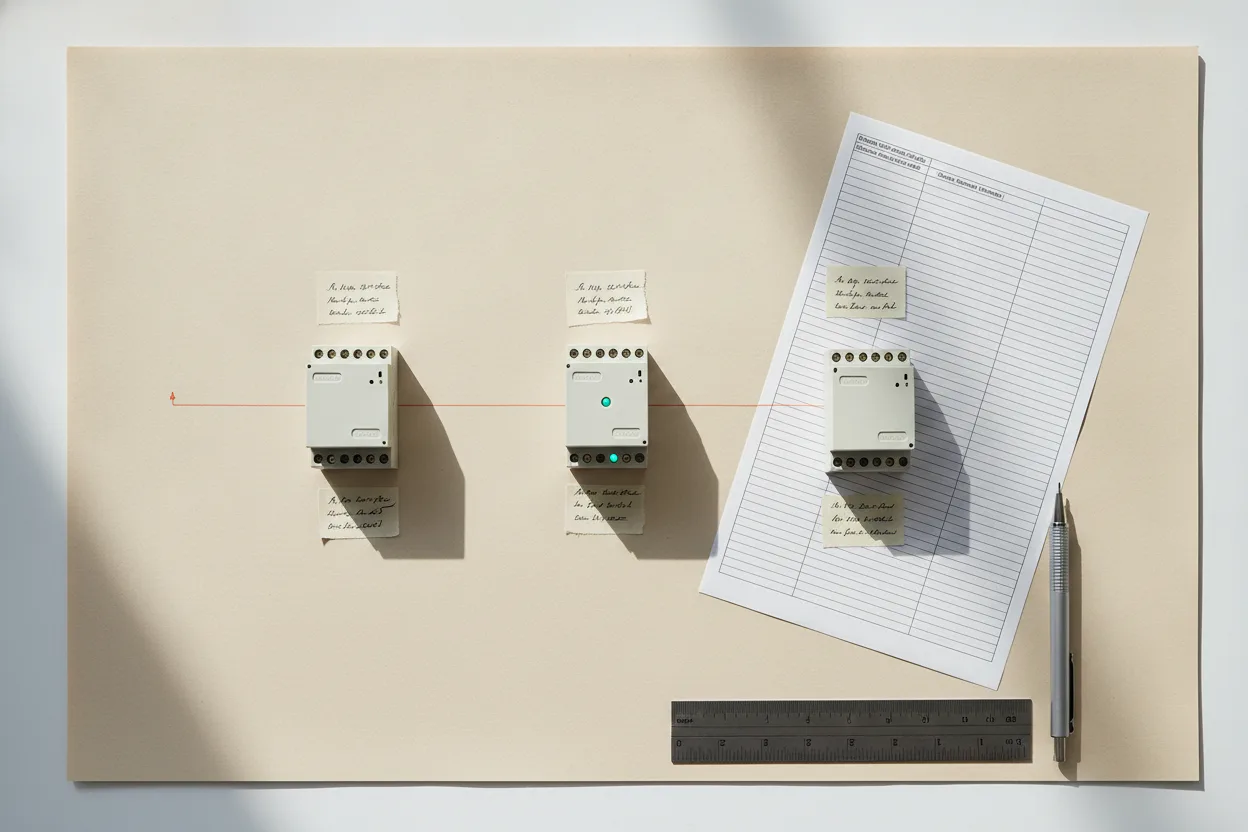
The problem this product solves only appears from the tenth installation onwards. With two or three, a notebook is enough. Beyond that, you no longer know which version runs where, which customer reported what, or which intervention was actually carried out — and every trip costs half a day.
It is an operations product, not a comfort product. It therefore complements the servers installed at your customers' premises rather than replacing them.
Read as a business tool rather than a technical one, it answers a single question: what does an intervention cost you today, and how much of that cost is travel you could have avoided by knowing the answer before leaving the workshop.
01Use cases: integrator, installed base, multi-dwelling
- The integrator with a customer portfolio: see the state of each installation without calling, prepare an intervention with the right information, cut diagnostic trips.
- Multi-dwelling residential: forty homes built on the same model — commissioning is duplicated, operation is centralised.
- Serviced residences and hospitality: continuous operation, recovery after incidents, traceability of interventions.
02Supervision and administration functions
| Function | Scope |
|---|---|
| Fleet overview | Datasheet — ask us |
| Remote intervention | Datasheet — ask us |
| Update management | Datasheet — ask us |
| Access and rights management | Datasheet — ask us |
03How it differs from the Server KNX Pro
The confusion is common because both products touch the same installations. The sorting criterion is simple: who uses it.
| Criterion | Server KNX Pro | System Manager |
|---|---|---|
| User | The occupant | The professional |
| Object | One installation | A set of installations |
| Value | Everyday comfort | Operating cost |
| Do they replace each other? | No | No — they complement each other |
04What it changes in a working day
- Fewer diagnostic trips: knowing what is wrong before leaving turns half a day into a targeted intervention.
- Grouped update campaigns: planning instead of reacting, and checking results without calling every customer.
- A transferable installed base: a documented, supervised set can be handed over; a notebook-managed one has to be rediscovered.
Trade supply terms and level-2 support are described on the trade area; public prices remain on the pricing page.
05When it is too early to need one
This is the product we most often advise against, and saying so is cheaper for everyone than selling it twice.
- Below roughly ten managed installations, a notebook and a shared calendar do the job. The tool solves a problem you do not have yet.
- If your installations are one-off jobs with no maintenance contract, there is nothing to supervise: the value of the product is in the recurring relationship.
- If each site was programmed differently, start by standardising a reference dwelling. Supervision over a heterogeneous base mostly produces noise.
The moment it becomes obvious is when a customer calls and you cannot answer « which version is running there » without driving to site. That question, repeated across a dozen sites, is the whole business case — and it is worth measuring before buying rather than after.
Frequently asked questions
Can several sites be managed from one interface?
That is the point of the product. The exact scope — number of sites, granularity of rights, remote actions available — must be confirmed against official documentation before commitment.
Is a System Manager needed for every installation?
No: it is an operations tool on the professional side. Each installation keeps its own server.